Practice It. Time It. Deliver It
Speech Teleprompter
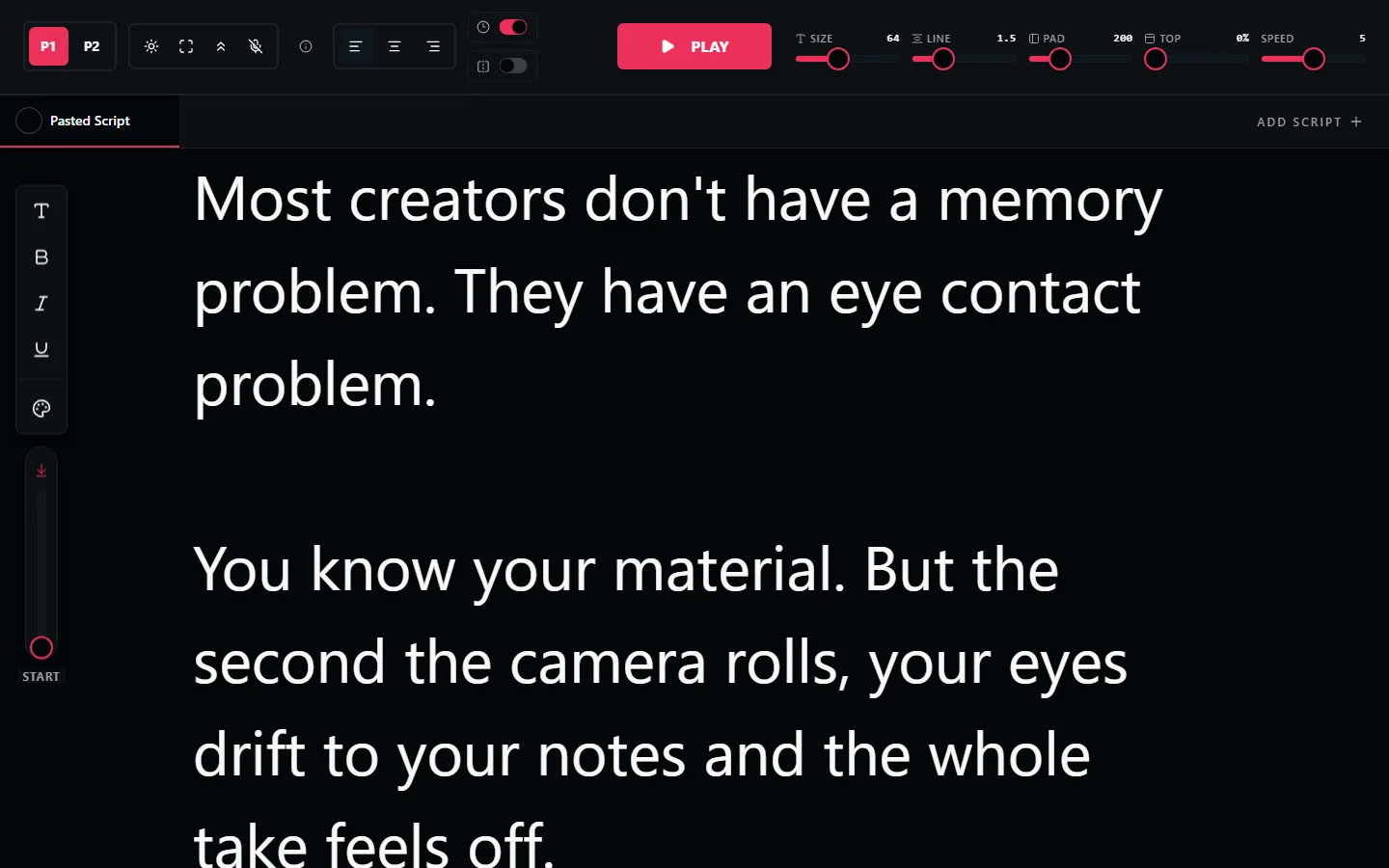
A free teleprompter for speeches: keynotes, presentations, toasts, retirement send-offs, eulogies. Paste your speech below, set the pace, and rehearse until it sounds like you, not like reading.
Free. No signup. Your script loads straight into the teleprompter.
How Long Is Your Speech, Really?
Most people speak at 130 to 150 words per minute in front of an audience. Time your rehearsal with the prompter once, then trust the numbers:
| Speech length | Word count | Typical occasion |
|---|---|---|
| 2 minutes | 260-300 words | Toast, introduction, thank-you |
| 5 minutes | 650-750 words | Wedding speech, award acceptance |
| 10 minutes | 1,300-1,500 words | Eulogy, retirement speech, sermon segment |
| 20 minutes | 2,600-3,000 words | Keynote, conference talk |
Three Ways to Deliver a Speech With a Prompter
Rehearse, then speak from memory
For live rooms. Run the speech with the prompter until the structure sticks, slightly slower than your natural pace. Most speakers have it internalized after five or six passes.
Laptop on the lectern
Full screen, large font, very slow scroll. Glance down for the next line the way you would at note cards, without shuffling paper.
On camera for remote speeches
For video messages, webinars, and recorded addresses, put the prompter window right under the camera lens and read at full speed. This is the setup where the prompter does the most work.
Built for Every Kind of Speech
Weddings & Toasts
Best man, maid of honor, father of the bride. Practice the jokes and the tears until both land.
Keynotes & Conferences
Long-form talks rehearsed to time, with exact phrasing on your openings and closers.
Eulogies
On the hardest speaking day, a steady scroll keeps you moving when memory won't.
Work Presentations
All-hands updates, pitches, and reviews. Sound prepared without reading slides aloud.
Video Messages
Recorded addresses and announcements, read straight into the lens.
Ceremonies & Services
Officiants, award presenters, and MCs keeping names, order, and timing exactly right.
Speech Teleprompter FAQ
How do I use a teleprompter for a speech?
Paste the speech, set the font large enough to read from where you will stand, and match the scroll to your natural pace. For video or remote speeches, keep the screen near the camera. For a live room, use it to rehearse until the speech flows, then take cards or the prompter on a lectern laptop.
How many words is a 5-minute speech?
About 650 to 750 words at a normal speaking pace of roughly 130 to 150 words per minute. Nerves speed people up, so writing slightly short is safer than slightly long.
Is there a free teleprompter for speeches?
Yes. LilPrompter is free, runs in any browser, and has no signup or watermark. Paste the speech and start practicing immediately.
Can I pause the scroll during applause or questions?
Yes. Start and stop with a key press or voice command, and adjust speed mid-read. For live delivery it often works best to scroll slowly and treat the prompter as a safety net rather than a metronome.
Should I memorize the speech instead?
The strongest deliveries usually combine both: rehearse with the prompter until the structure is in your head, then use it on the day for exact phrasing on openings, closings, and anything quotable.
Rehearse Your Speech Now
Free. No signup. Paste the speech and do your first timed read-through in the next minute.
Open LilPrompter