Never Lose Your Place Mid-Episode
Teleprompter for Podcast
Keep your episode outline, talking points, sponsor reads, and transitions visible while you record. LilPrompter scrolls your notes on screen so you stay focused without shuffling paper or glancing at your phone. Free, no download.
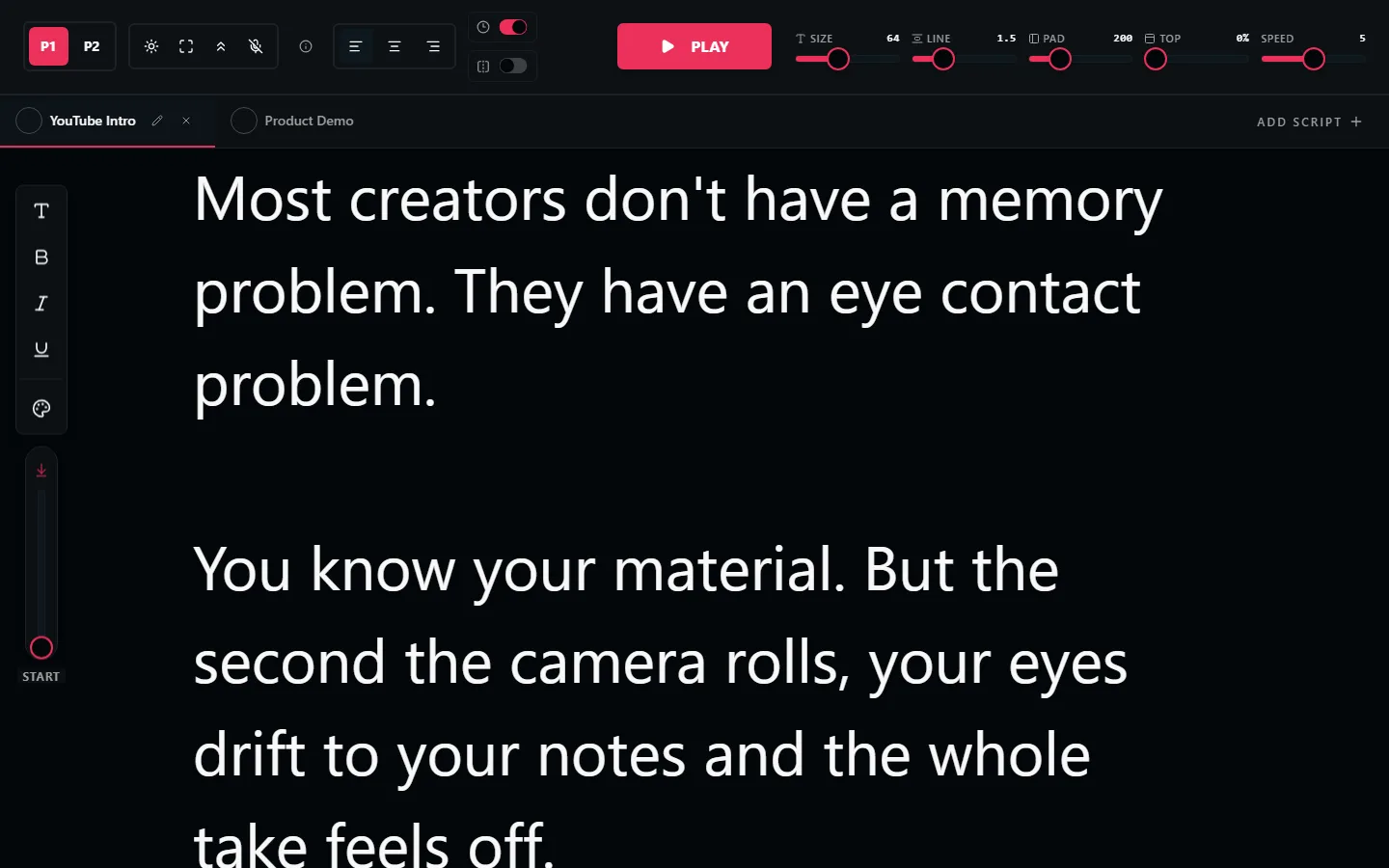
How Podcasters Use Teleprompters
Most podcasters don't read word-for-word, but they do need structure. A teleprompter with your episode outline keeps you on track without the rustling of paper or the distraction of scrolling through notes on a phone.
For video podcasts, this matters even more. Your audience can see when you look down to check notes. A teleprompter on a screen near the camera keeps your eyes forward and your delivery smooth.
What to Put on the Teleprompter
Episode Outline
Your key topics and transitions in order. Glance at what's next without losing your conversational flow.
Sponsor Reads
Nail the sponsor copy every time. Paste the exact wording and read it naturally. No stumbling through brand names or feature lists.
Interview Questions
Keep your prepared questions visible during guest interviews. Move smoothly between topics without checking a notepad.
Intro & Outro Scripts
Consistent opening and closing every episode. Read your intro, welcome, and CTA the same way each time for a professional feel.
Audio vs Video Podcast Setup
Audio podcast: Open LilPrompter on your laptop or a second monitor. Set a slow scroll or advance manually between sections. You're not on camera, so position doesn't matter. Just keep it readable.
Video podcast: Position the teleprompter screen near your camera lens so you can glance at your notes without obviously looking away. The dark interface prevents screen reflections from showing up on camera.
Record Your Next Episode with LilPrompter
Free. No download. No signup. Keep your podcast on track.
Open LilPrompter