No Play Store. No Download. Runs in Chrome
Android Teleprompter
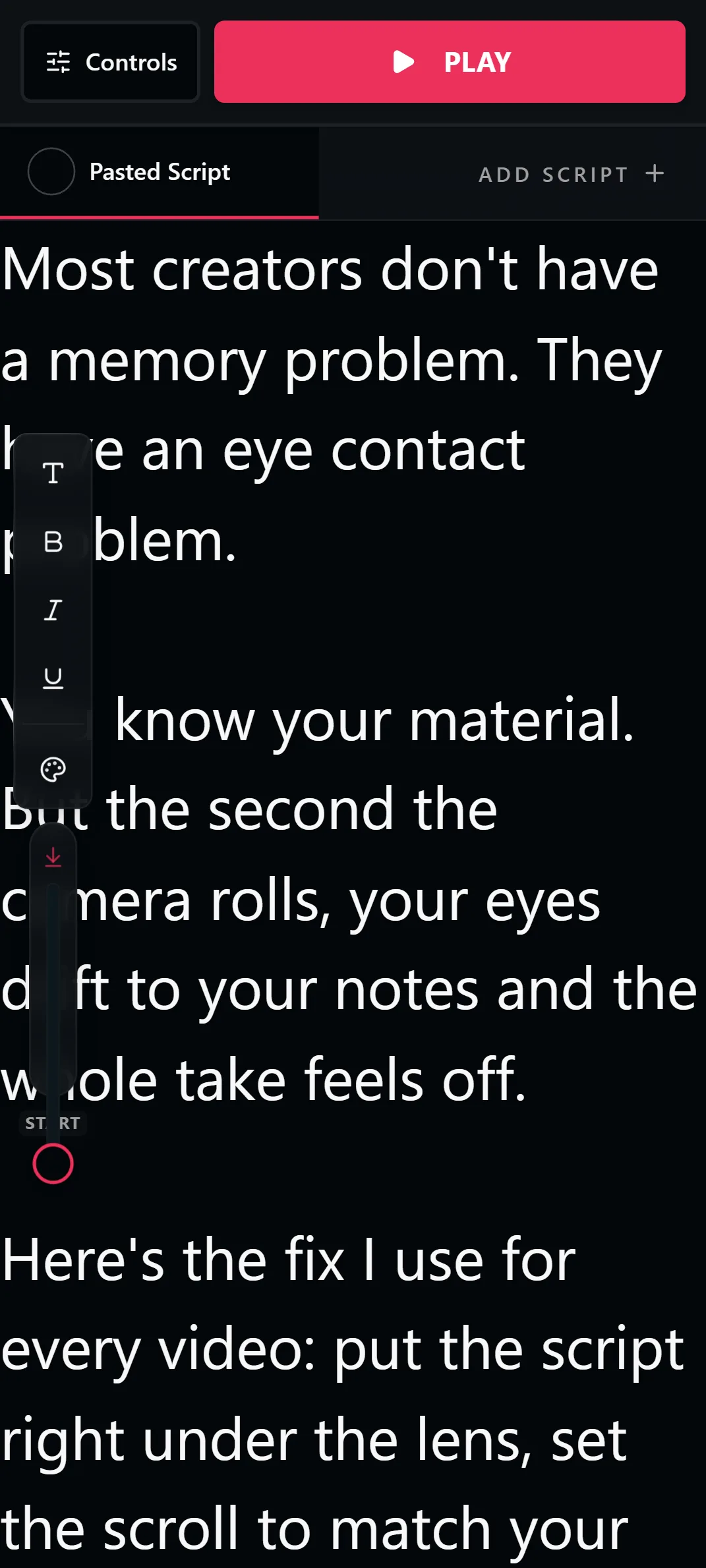
A free teleprompter for any Android phone or tablet, running in Chrome instead of an installed app. No Play Store download, no account, no watermark on your videos. Paste your script and it opens ready to read.
Free. No signup. Your script loads straight into the teleprompter.
Why Skip the Play Store App?
Android teleprompter apps follow the same playbook as iPhone ones: free download, then ads, watermarks, or a subscription for the features that matter. A browser teleprompter has nothing to unlock because nothing is locked.
Chrome on Android can also make it feel like an app. Use Add to Home Screen and LilPrompter opens full screen with its own icon, no Play Store involved and no storage used.
The best recording setup is two devices: your phone records with its native camera app at full quality while the script scrolls on a tablet, laptop, or second phone placed right next to the lens. The prompter never touches your footage, so there is no watermark and nothing to export.
Everything the Prompter Includes
Runs in Chrome
Works on any Android phone or tablet with a browser. Nothing to install, no permissions to grant.
Add to Home Screen
Save it from Chrome's menu and the prompter launches full screen like a native app.
No Watermark
You record with your camera app, so your video stays clean at full quality.
Adjustable Speed and Font
Big text for arm's-length reading and a scroll speed that matches how you actually talk.
Works on Tablets Too
On an Android tablet the same page becomes a rig-sized prompter screen, with mirror mode included.
Scripts Saved Locally
Scripts persist in Chrome between sessions. No account, nothing uploaded.
How to Use a Teleprompter on Android
Open LilPrompter in Chrome
Paste your script and set the font size. Add it to your home screen if you want one-tap access.
Use a second screen if you have one
Record on your phone while the script scrolls on a tablet, laptop, or spare phone placed beside the camera lens.
Single phone? Rehearse, then record
Run the prompter, practice until the read flows, then switch to the camera app and deliver it. Short scripts make this easy.
Keep the text near the lens
Whatever the setup, the closer the scrolling text sits to the camera, the more natural your eye contact looks.
Browser Teleprompter vs Installed Apps
| LilPrompter (browser) | Free Play Store app | Paid Play Store app | |
|---|---|---|---|
| Price | Free, all features | Free with ads or paywalls | $5-15/mo or one-time |
| Install | None, runs in Chrome | Play Store download | Play Store download |
| Watermark on video | Never touches your video | Common on free tiers | No |
| Ads | None | Common | No |
| Account required | No | Usually | Usually |
| Storage used | None | 50-300 MB | 50-300 MB |
Android Teleprompter FAQ
Is there a free teleprompter app for Android?
You do not need an app. LilPrompter runs free in Chrome on any Android device with every feature included, which skips the ads and feature paywalls common in Play Store prompter apps.
Do I need to install anything?
No. Open the page in Chrome and start. Use Chrome's Add to Home Screen if you want it to open full screen with its own icon like an installed app.
Can I record video while reading?
Yes, with a second screen: your phone records while the script scrolls on another device next to the lens. On a single phone, rehearse with the prompter first, then record with your camera app.
Does it work on Android tablets?
Yes. A tablet gives you a bigger reading surface and works well mounted beside a camera or inside a beam-splitter rig with mirror mode turned on.
Does it put a watermark on my video?
No. The prompter never records or processes your video. You shoot with your normal camera app, so the footage is untouched.
Other Devices