No App Store. No Download. Just Safari or Chrome
Teleprompter for Mac
A free teleprompter that runs on any Mac in the browser. No download from the App Store, no installer, no account. Paste your script below and it opens in the prompter, ready to scroll.
Free. No signup. Your script loads straight into the teleprompter.
Why a Browser Teleprompter Beats a Mac App
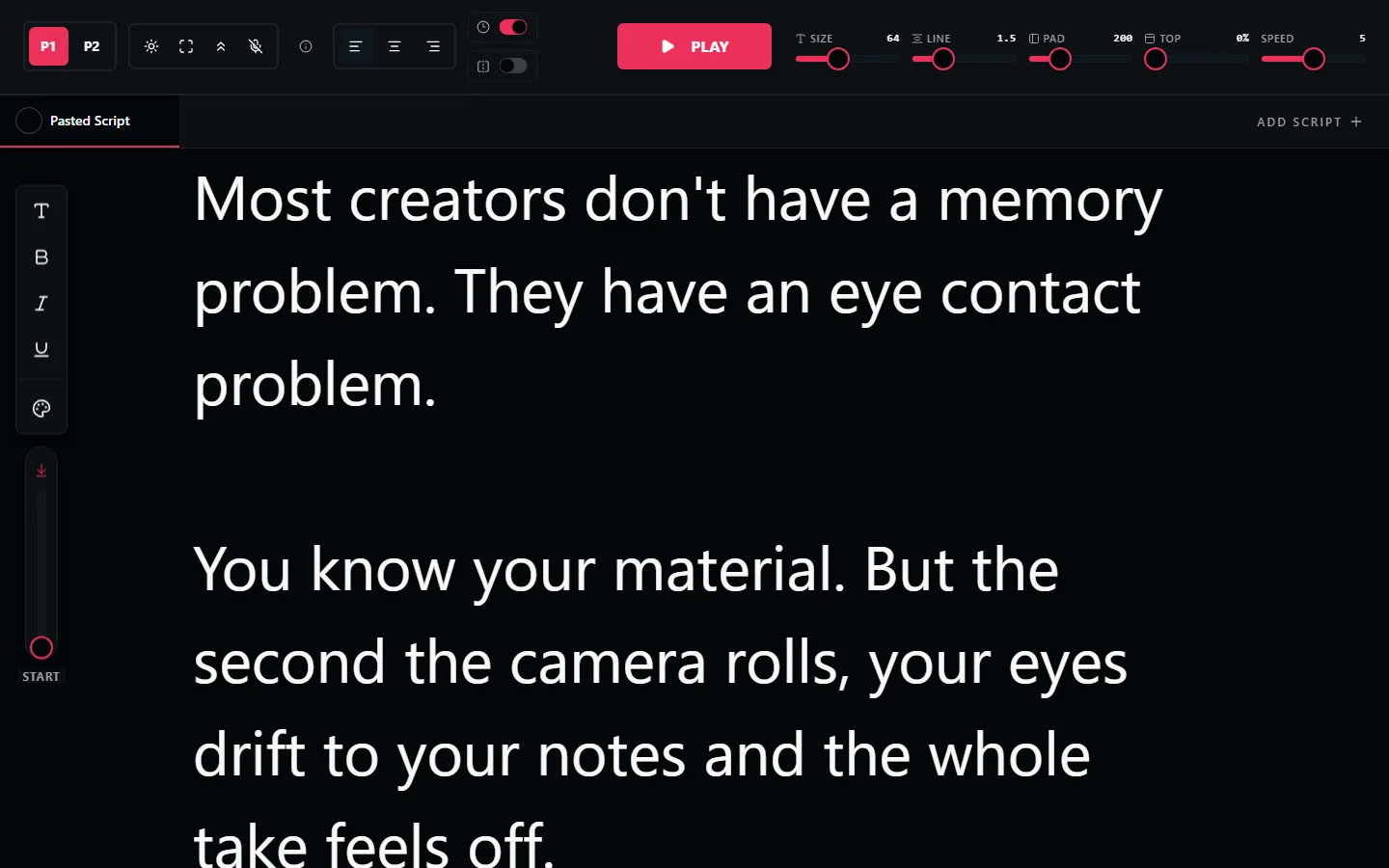
Most teleprompter searches for Mac end at the App Store: a download, an account, and often a subscription for features you use once a week. A browser teleprompter skips all of it. Open the page, paste the script, and read.
It also travels better. The same tool works on your MacBook at home, an iMac in the office, and a borrowed laptop at a shoot, with your scripts saved in the browser. There is nothing to reinstall and no license to move between machines.
And because it is just a browser tab, it sits happily next to QuickTime, Zoom, OBS, or any camera software. Shrink the window, park it under your webcam, and record with whatever you already use.
Everything the Prompter Includes
Adjustable Scroll Speed
Fine-tune the pace to your natural delivery with a slider, or nudge it from the keyboard mid-read.
Mirror Mode
One click flips the text horizontally for beam-splitter rigs, so a Mac can drive real teleprompter glass.
Font Size up to 128px
Read comfortably from your desk or from across the room on an external display.
Multiple Scripts with Tabs
Keep takes, intros, and alternate versions in separate tabs and switch between them instantly.
Keyboard Controls
Start, stop, and adjust speed without touching the mouse. Handy when the camera is already rolling.
Voice Commands
Say start, stop, or reset hands-free while you are positioned at the camera.
How to Use a Teleprompter on Your Mac
Open LilPrompter in Safari or Chrome
No download or signup. The prompter loads instantly and your scripts save in the browser.
Paste your script
Drop in the script, set the font size, and do one practice read to dial in the scroll speed.
Position the window near your camera
Using the built-in FaceTime camera, make the prompter window narrow and put it at the top of the screen, right under the lens.
Record with any app you like
QuickTime, Zoom, OBS, or an external camera. The teleprompter is its own window, so it works with all of them.
Browser Teleprompter vs Installed Apps
| LilPrompter (browser) | Downloaded Mac app | App Store app | |
|---|---|---|---|
| Price | Free, all features | Often paid or freemium | Often subscription |
| Install | None, runs in the browser | .dmg installer | App Store download |
| Account required | No | Sometimes | Usually |
| Works on any Mac instantly | Yes | Reinstall per machine | Re-download per machine |
| Mirror mode for rigs | Yes | Varies | Varies |
| Updates | Always current | Manual | App Store |
Teleprompter for Mac FAQ
Is there a free teleprompter for Mac?
Yes. LilPrompter is free and runs in Safari or Chrome on any Mac. There is no download, no account, and no watermark, and all features including mirror mode are included.
Do I need to download anything from the App Store?
No. The teleprompter runs entirely in the browser. Open the page, paste your script, and start. Your scripts are saved locally in the browser between sessions.
Does it work in Safari?
Yes. LilPrompter works in Safari, Chrome, Firefox, and Edge on macOS. No extensions or plugins are needed.
Can I use it while recording with QuickTime or Zoom?
Yes. The prompter is a normal browser window, so it runs alongside QuickTime, Zoom, OBS, or any camera app. Put the window as close to your camera as possible for natural eye contact.
Can my Mac drive a hardware teleprompter rig?
Yes. Connect the display that sits in the rig, move the browser window onto it, and turn on mirror mode so the text reads correctly in the beam-splitter glass.
Other Devices
Start Prompting on Your Mac
Free. No download. No signup. Works in the browser you already have.
Open LilPrompter