Free. Browser-Based. For Any Video Format
Teleprompter for Video
Record better videos by reading your script on screen while looking at the camera. LilPrompter works for any video format: YouTube, product demos, course content, social media, or corporate communications. Free, no signup, no download.
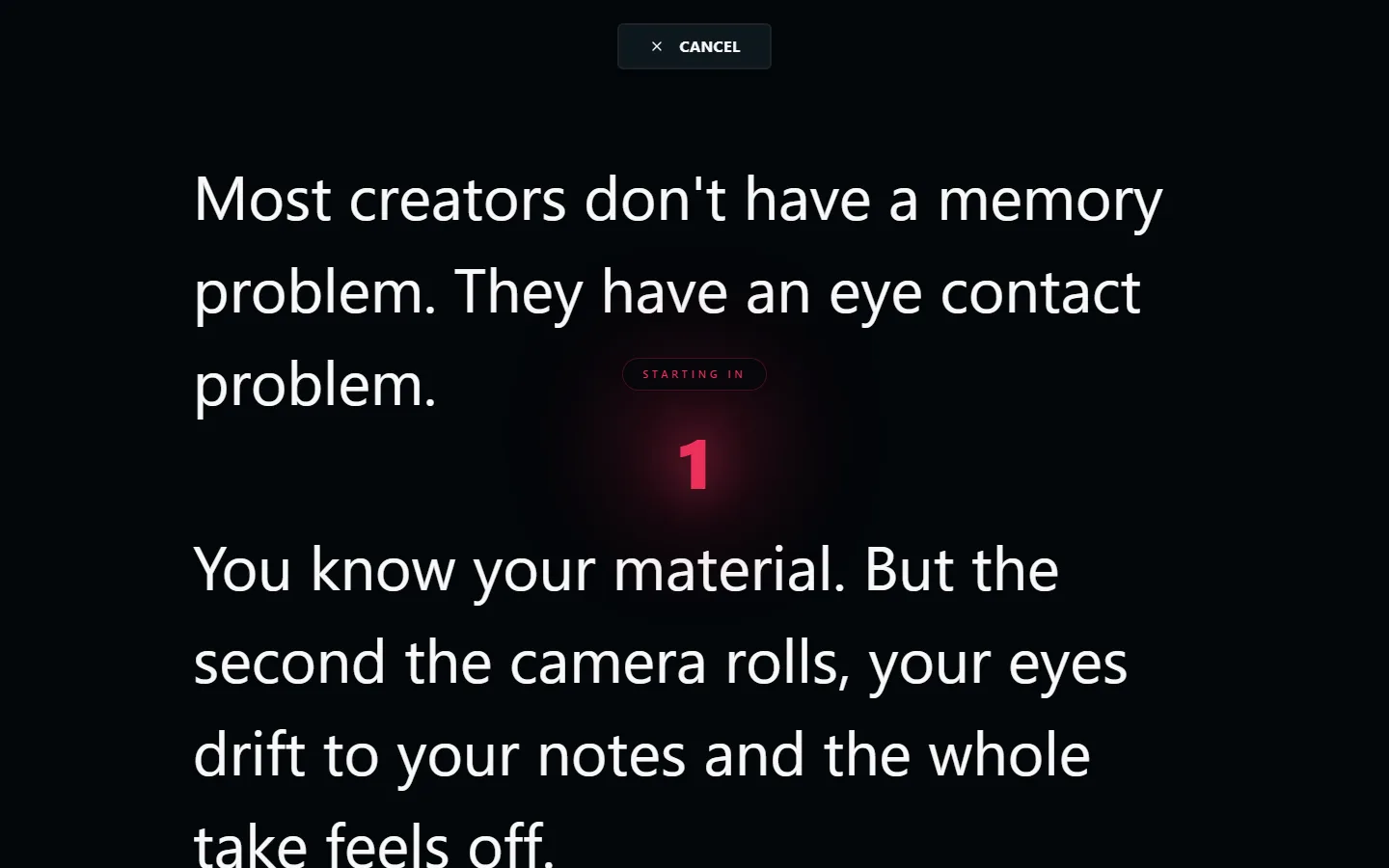
What Videos Can You Record with a Teleprompter?
YouTube & Social Media Videos
Talking-head videos, tutorials, commentary, and vlogs. Read your script naturally while maintaining eye contact with the camera. No more memorising or doing 15 takes.
Product Demos & Explainers
Walk through features, workflows, or announcements with a polished script. Stay on message without ad-libbing or losing your train of thought.
Course Content & Tutorials
Teach complex material consistently across modules. A teleprompter keeps your lessons focused and prevents you from going off on tangents.
Corporate Communications
Investor updates, company announcements, training videos, and internal communications. Sound confident and professional every time.
Voiceovers & Narration
Record voiceovers at a consistent pace. The scrolling text keeps your reading speed steady and helps you maintain consistent energy throughout.
How to Set Up a Teleprompter for Video
Setting up LilPrompter for video takes less than a minute:
- Open LilPrompter in your browser. No signup, no download
- Paste your script and set the font size large enough to read from your recording distance
- Position your screen as close to the camera lens as possible for natural eye contact
- Set the scroll speed slightly slower than your natural reading pace
- Do one practice run to calibrate your speed and catch any awkward phrasing
- Hit record on your camera, then play on LilPrompter. read naturally and let the scroll set the pace
Features for Video Creators
Everything you need to record polished videos. All free.
Adjustable Scroll Speed
Match the teleprompter to your natural reading pace. Start slow for practice, increase for the real take.
Large Text Display
Scale up to 128px. Read comfortably whether your screen is on your desk or mounted beside a camera.
Mirror Mode
Flip text for beam-splitter teleprompter rigs. Toggle with one click when switching between setups.
Multiple Scripts
Use tabs to switch between scripts for different sections, takes, or videos without copy-pasting.
Dark Interface
Black background reduces glare on camera and in glasses. No bright screen bleeding into your shot.
Works on Any Device
Laptop, tablet, phone, or second monitor. Any device with a browser can be your teleprompter.
Record Your Next Video with LilPrompter
Free. No signup. No download. Works for any video format.
Open LilPrompter