Built for YouTube Creators
Teleprompter for YouTube
Stop memorising scripts. Stop doing 15 takes. LilPrompter lets you read your script naturally on camera so every YouTube video sounds polished on the first try.
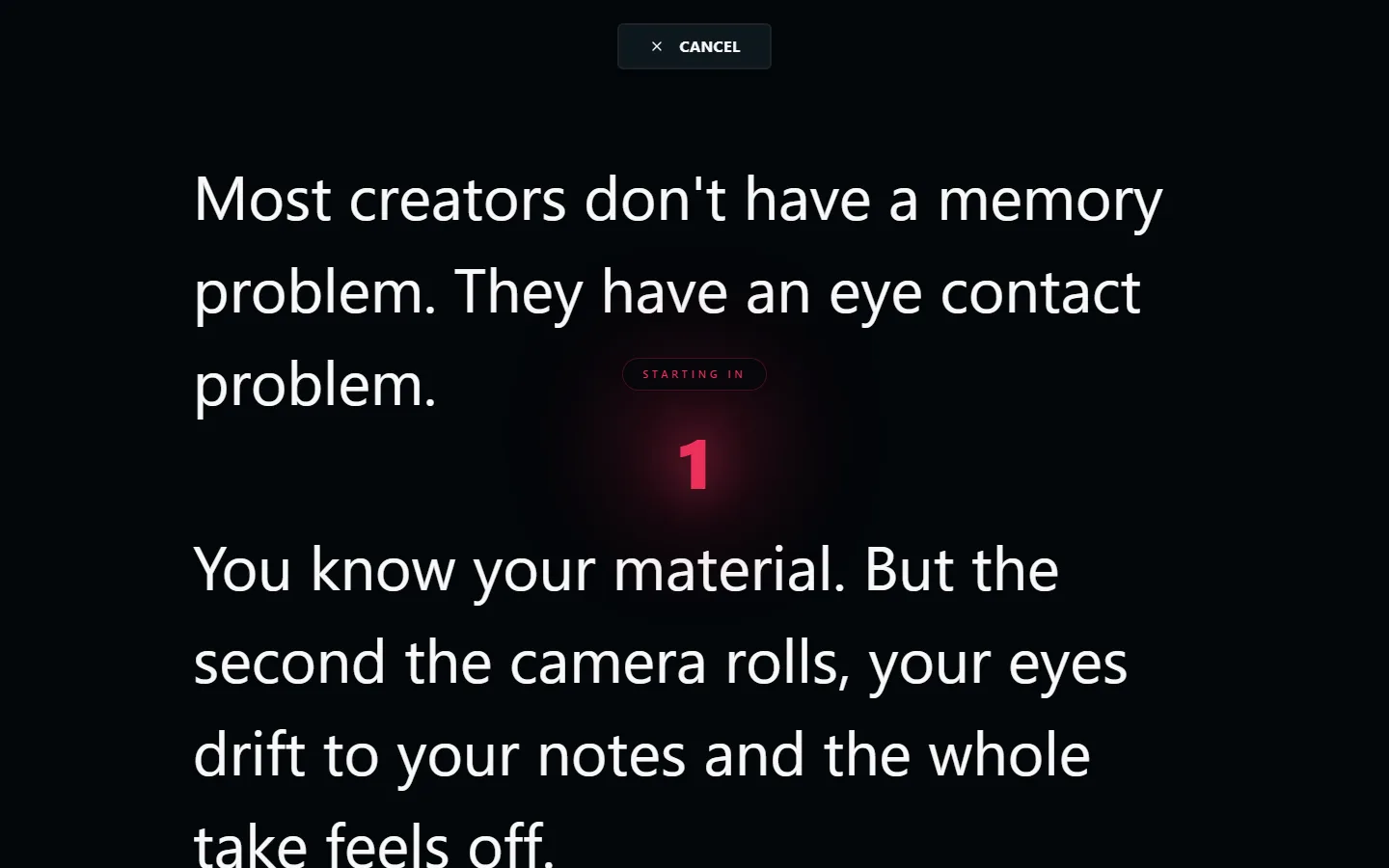
Why YouTubers Use Teleprompters
The best YouTube creators look natural and confident on camera. Behind the scenes, many of them use a teleprompter. It's not cheating. It's how professionals deliver consistent, focused content without losing their train of thought.
A teleprompter helps you maintain eye contact with the camera while reading your script. Your audience sees confidence and authority. You save hours on re-takes and editing.
Hardware teleprompters work, but they're expensive and bulky. An online teleprompter like LilPrompter gives you the same result, free, in your browser, with zero setup time.
How to Use LilPrompter for YouTube
Write your script
Write like you talk. Short sentences, conversational tone. Break long paragraphs into bullets or numbered lists so they're easy to scan while recording.
Paste it into LilPrompter
Open LilPrompter in your browser, paste your script, and adjust the font size so you can read comfortably from your recording distance.
Position your screen near the camera
Place your laptop or monitor as close to your camera lens as possible. The closer the text is to the lens, the more natural your eye contact looks to viewers.
Set your speed and hit play
Start with a slower speed for your first take. You can always bump it up once you're comfortable. LilPrompter auto-pauses when the script ends.
Record your video
Hit record on your camera, then play on LilPrompter. Read naturally, breathe normally, and let the teleprompter do the work.
Tips for Natural Delivery
- —Use large text. Bigger fonts mean your eyes don't dart across the screen. This looks far more natural on camera.
- —Do one practice run. Read through the script once before recording. This alone eliminates most stumbles.
- —Pause naturally. Don't rush to keep up with the scroll. Let it get ahead of you, take a breath, and pick it back up.
- —Use the dark interface. LilPrompter's black background reduces screen reflections in glasses and on shiny surfaces.
Record Your Next YouTube Video with LilPrompter
Free. No signup. No download. Just open and start reading.
Open LilPrompter