No App Store Download. Runs in Safari
iPhone Teleprompter
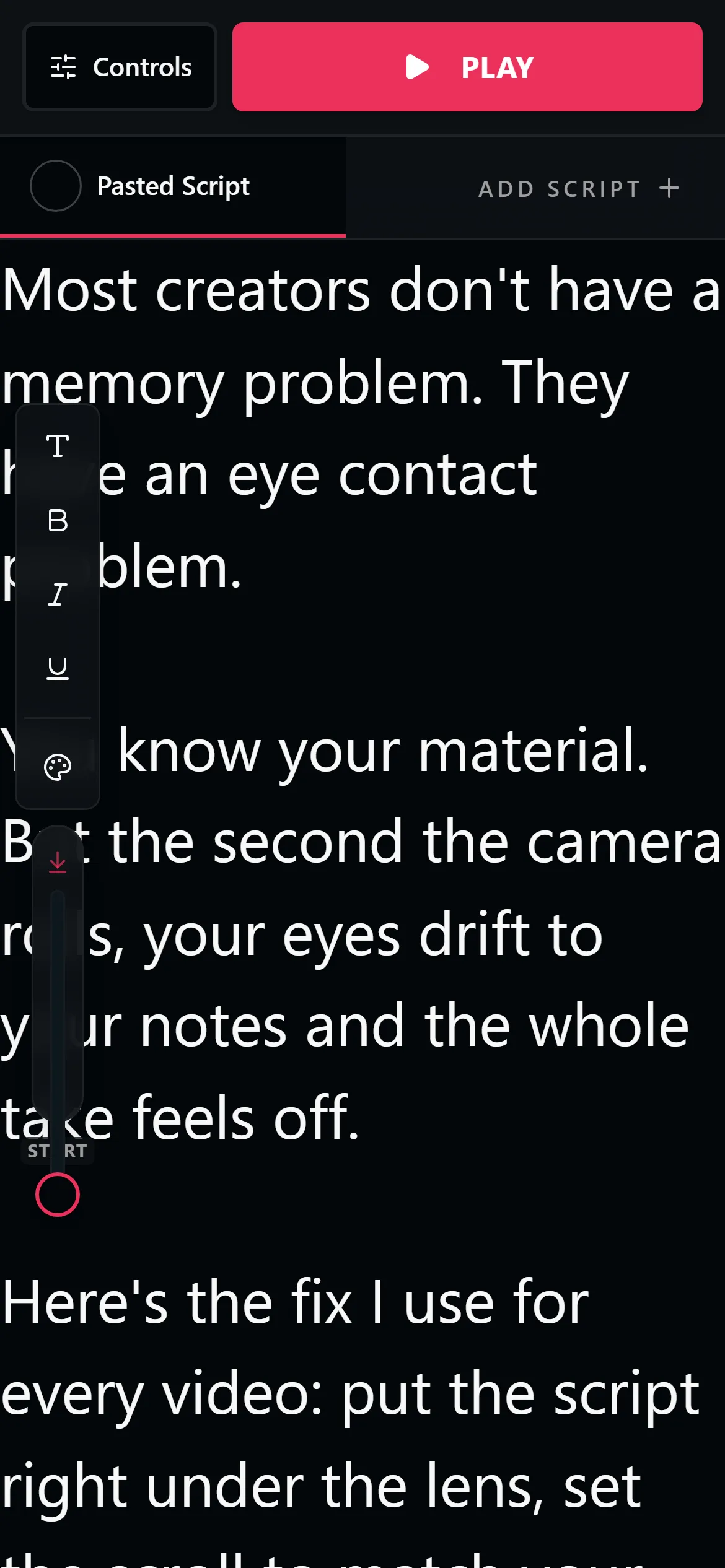
Every teleprompter app on the App Store wants a download and most want a subscription. LilPrompter runs in Safari instead: free, no account, no watermark. Paste your script and it opens ready to scroll.
Free. No signup. Your script loads straight into the teleprompter.
Why Skip the Teleprompter App?
App Store teleprompters have a familiar pattern: free to download, then the features you actually need, mirror mode, longer scripts, no watermark, sit behind a weekly subscription. A browser teleprompter has no store between you and the tool.
There are two ways to use it. The two-device setup is best: run LilPrompter on a laptop, tablet, or second phone placed right next to the iPhone that is recording, and you get a dedicated reading screen with your camera view unobstructed.
If you only have your iPhone, add LilPrompter to your home screen from Safari, practice the script until it flows, then record. Because the prompter never touches your footage, there is no watermark and no export step either way.
Everything the Prompter Includes
Runs in Safari
No App Store, no storage space, no permissions. Open the page and the prompter is ready.
Add to Home Screen
Save it from Safari's share menu and it opens full screen like an app, one tap from your home screen.
Adjustable Speed and Font
Scale text up for reading at arm's length and match the scroll to your speaking pace.
No Watermark, Ever
The prompter never touches your video. You record with the camera app, so your footage stays clean.
Scripts Saved Locally
Your scripts stay in the browser between sessions. Nothing is uploaded and no account is needed.
Voice Commands
Say start, stop, or reset when your hands are busy holding the phone steady.
How to Use a Teleprompter With Your iPhone
Open LilPrompter on a second screen if you can
A laptop, tablet, or spare phone right behind your recording iPhone gives the most natural eye line.
Or run it on the iPhone itself
Open the prompter in Safari, rehearse until the read is smooth, then switch to the camera app and record.
Put the text as close to the lens as possible
The smaller the gap between the script and the camera, the less your eyes appear to move on video.
Record with the native camera app
Full quality, no watermark, no third-party camera. The prompter scrolls independently on its screen.
Browser Teleprompter vs Installed Apps
| LilPrompter (browser) | Free App Store app | Paid App Store app | |
|---|---|---|---|
| Price | Free, all features | Free with paywalled features | $5-15/mo or one-time |
| Install | None, runs in Safari | App Store download | App Store download |
| Watermark on video | Never touches your video | Common on free tiers | No |
| Works with native camera app | Yes | Usually records in-app | Usually records in-app |
| Account required | No | Usually | Usually |
| Storage used | None | 50-300 MB | 50-300 MB |
iPhone Teleprompter FAQ
Is there a free teleprompter app for iPhone?
Yes, but most free App Store apps limit script length or add watermarks until you subscribe. LilPrompter is free in Safari with every feature included and no watermark, because it never touches your video.
Do I need to install anything?
No. The teleprompter runs in Safari. If you want it to feel like an app, use Add to Home Screen in Safari's share menu and it opens full screen with its own icon.
Can I record video while reading the script?
Yes, with a second screen: record on your iPhone while the script scrolls on a laptop, tablet, or spare phone next to the lens. On a single iPhone, rehearse with the prompter first, then record with the camera app.
How do I use my iPhone as a teleprompter for another camera?
Open LilPrompter on the iPhone, mount it near your camera lens or in a rig, and turn on mirror mode if you are reflecting into beam-splitter glass. The iPhone becomes the prompter screen.
Does it work in Safari?
Yes. LilPrompter is built for the browser, and Safari on iPhone is fully supported, including saving your scripts between sessions.
Other Devices
Prompt From Your iPhone
Free. No App Store. No watermark. Open it in Safari and start.
Open LilPrompter