No Install. No Signup. Windows, Mac & Linux
Teleprompter Software
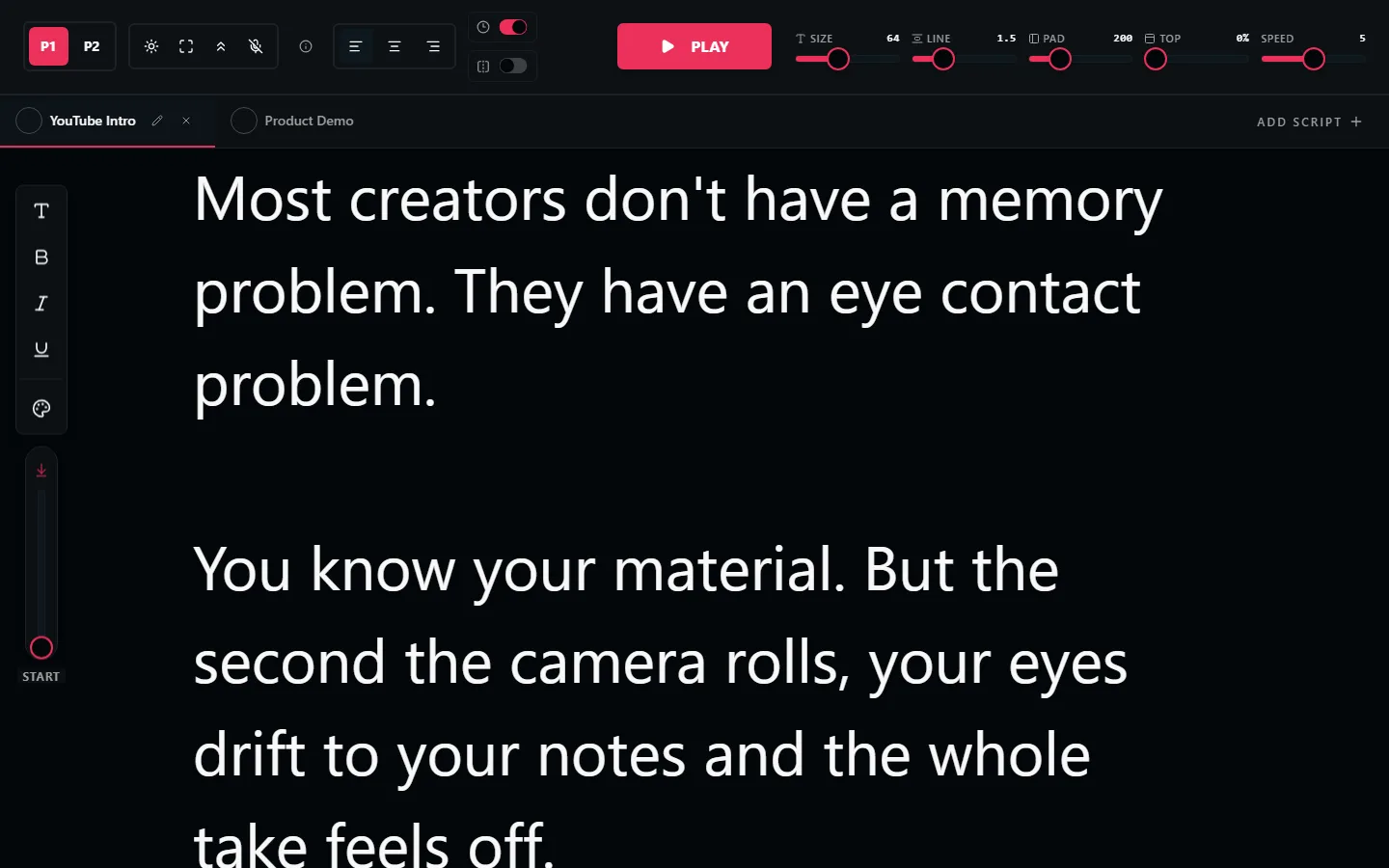
You don't need to install teleprompter software. LilPrompter runs in your browser and gives you everything desktop software does: adjustable speed, mirror mode, large text. No downloading, installing, or updating anything.
Why Browser-Based Beats Desktop Software
No installation or setup
Desktop teleprompter software needs downloading, installing, and often configuring. LilPrompter opens in a browser tab, and you're reading in seconds.
Works on every operating system
Windows, Mac, Linux, ChromeOS. If it has a modern browser, it runs LilPrompter. No compatibility issues, no platform-specific versions.
Always the latest version
No update prompts, no version mismatches, no re-downloading. You always get the current version automatically.
No storage space required
Desktop teleprompter software takes up disk space and may install background services. LilPrompter uses zero storage. Close the tab and it's gone.
Use it on any machine
Borrowed laptop, hotel business centre, friend's studio. Open a browser and you have your teleprompter. Nothing to install on someone else's device.
All the Features You'd Expect
Everything paid teleprompter software offers. Free.
Adjustable Scroll Speed
Fine-tune the pace to match your natural reading speed. Precise control, not just presets.
Mirror Mode
Flip text horizontally for beam-splitter rigs. One-click toggle.
Font Size Control
Scale from 24px to 128px. Read comfortably from any distance.
Multiple Scripts
Tabbed navigation to switch between scripts mid-session.
Dark Interface
Black background reduces glare on camera and in glasses.
No Account Required
No signup, no email, no license key. Open and start reading.
Teleprompter Software FAQ
Is there free teleprompter software?
Yes. LilPrompter is free teleprompter software that runs in the browser, so it works on Windows, Mac, and Linux without an installer. All features are included: speed control, mirror mode, large fonts, multiple scripts.
Do I need to download teleprompter software?
Not anymore. Browser-based teleprompter software covers what most creators and presenters need. Downloads only matter for offline studio work or specialized hardware integration.
Does it work on both Windows and Mac?
Yes. Because it runs in the browser, the same software works on any operating system, and your scripts save locally in whichever browser you use.
Can it drive a hardware teleprompter rig?
Yes. Put the browser window on the display feeding the rig and enable mirror mode so the text reads correctly in the beam-splitter glass.
Try It. No Download Needed
Free teleprompter software in your browser. No install, no signup.
Open LilPrompter