Reels. Stories. Lives. All Scripted
Teleprompter for Instagram
Create polished Instagram Reels, Stories, and Lives by reading your script from a teleprompter on a second screen. LilPrompter runs in your browser. Free, no app download, no signup.
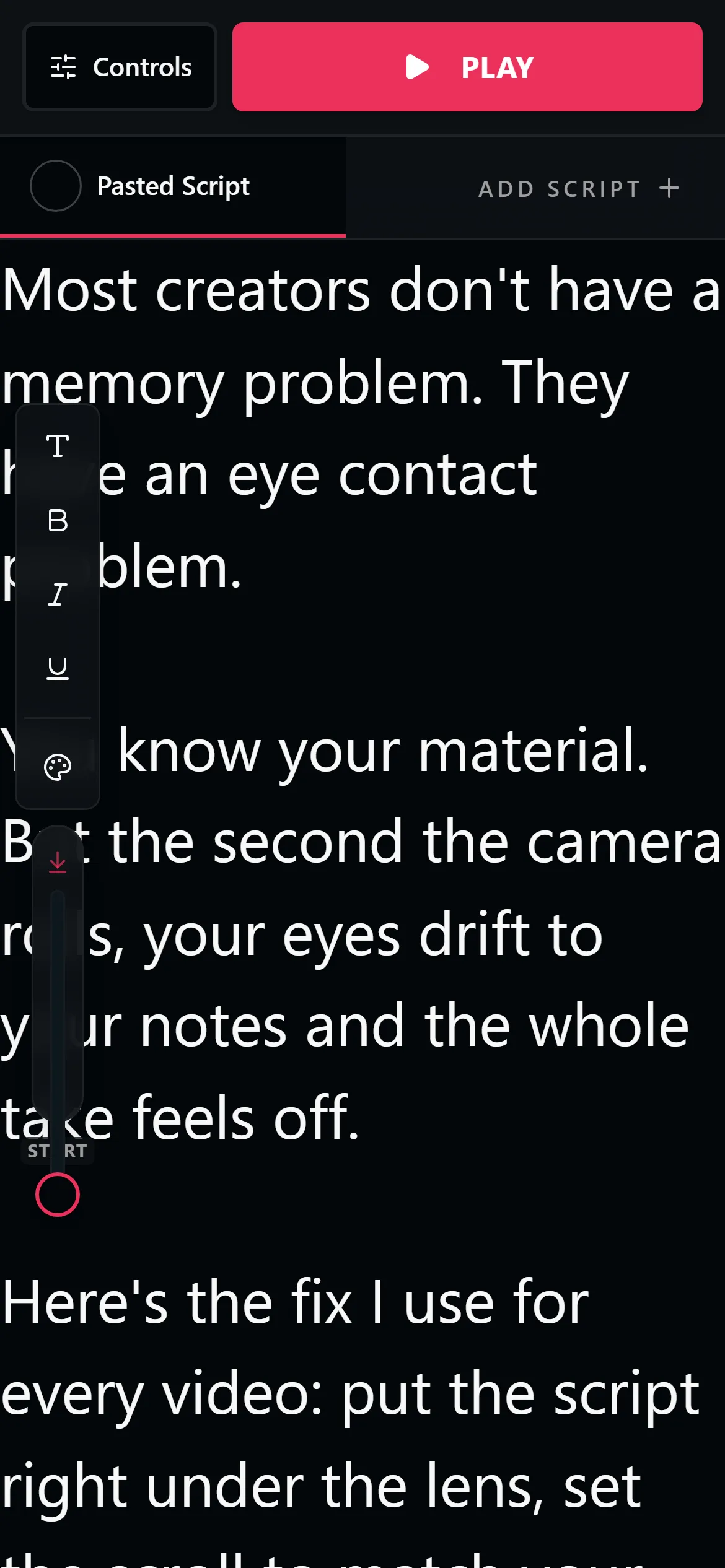
How It Works for Each Format
Instagram Reels
Script your Reels for tighter delivery. Open LilPrompter on your laptop or tablet, position it behind your phone camera, and read while recording. One-take Reels that sound confident and polished.
Instagram Stories
Talking-head Stories perform better when you sound prepared. Use the teleprompter for product announcements, Q&A responses, or any Story where you want to stay on message.
Instagram Live
Going Live with talking points visible keeps you focused and prevents rambling. Set a slow scroll speed or pause between sections so you can interact with comments naturally.
Setup Tips for Instagram Creators
- —Use a second device. Record on your phone, read from a laptop or tablet running LilPrompter. This gives you a dedicated reading screen.
- —Position the screen behind the camera. Place your teleprompter screen right behind your phone so your eyes look directly at the lens.
- —Keep scripts short. Instagram content is fast-paced. Write punchy scripts that get to the point quickly.
- —Use the dark interface. LilPrompter's black background won't reflect in your glasses or create visible screen glow on camera.
Instagram Teleprompter FAQ
Does Instagram have a built-in teleprompter?
Instagram's in-app camera does not include a teleprompter. Some of Meta's editing tools offer basic text prompts, but most creators use a teleprompter on a second screen so it works with any camera and any format.
How do I read a script while recording Reels?
Open a teleprompter on a laptop, tablet, or second phone and place it directly behind your recording phone. Set the scroll speed to your speaking pace and keep the text near the lens so your eye contact stays natural.
Is there a free teleprompter for Instagram?
Yes. LilPrompter is a free browser teleprompter. There is no app to download, no signup, and no watermark, because it never touches your footage.
Can I use a teleprompter for Instagram Live?
Yes. Keep talking points or a loose script scrolling slowly beside your camera, and pause the scroll when you stop to read comments. It keeps a Live on message without sounding scripted.