Your Laptop Is Already a Teleprompter
Teleprompter for Laptop
Your laptop already has everything you need: a screen and a webcam right next to each other. Open LilPrompter in your browser, paste your script, and the text scrolls right below your camera. No hardware, no downloads, no setup.
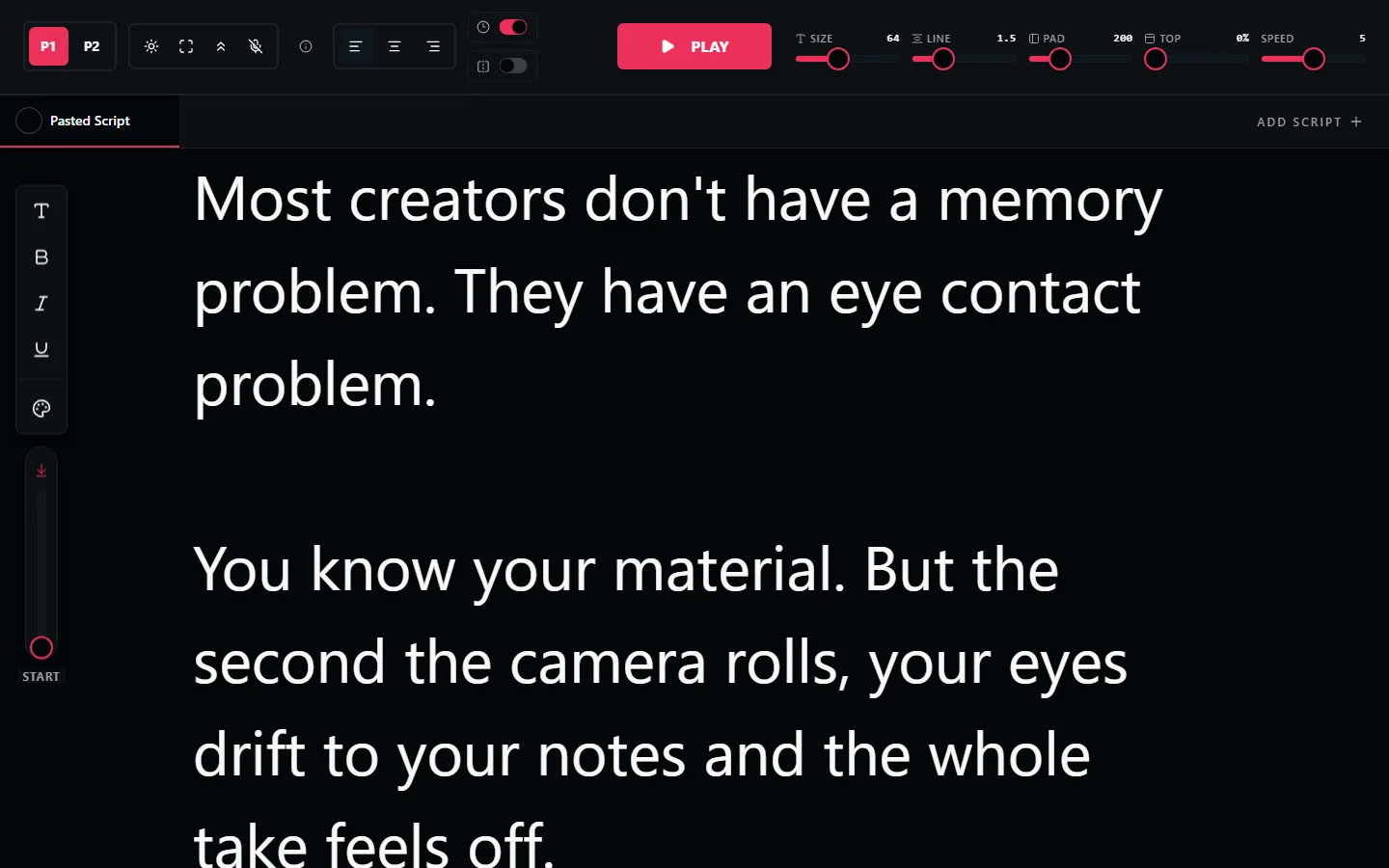
Why Laptops Make Great Teleprompters
A laptop's webcam sits right above the screen. When you read text at the top of your display, your eyes are already looking almost directly at the camera. This means natural eye contact without any extra equipment.
Compare that to a desktop setup where the webcam might be on top of a monitor that's two feet from where your notes are, or a phone recording where you're constantly glancing off to the side. A laptop with a browser-based teleprompter is the simplest, most effective setup for most creators.
How to Set Up Your Laptop Teleprompter
Open LilPrompter
Go to LilPrompter in any browser. Chrome, Safari, Firefox, Edge. No install needed.
Paste your script
Drop in your text. Use tabs if you have multiple scripts or sections.
Go fullscreen
Press F11 or use your browser's fullscreen option. This maximises the reading area and hides browser chrome.
Set font size and speed
With a laptop screen at arm's length, 48-64px is a good starting point. Set scroll speed slightly slower than your natural reading pace.
Hit play and record
Start your camera (or Zoom call), then start the teleprompter. Read from the top of the screen for the most natural webcam eye contact.
Works on Any Laptop
LilPrompter runs in your browser, so it works on every laptop regardless of operating system: Windows, macOS, Linux, or ChromeOS. No compatibility issues, no platform-specific downloads.
It also works great as a second-screen teleprompter. If you record with an external camera, open LilPrompter on your laptop and position it beside the camera lens. The laptop becomes a dedicated prompting display.
Turn Your Laptop Into a Teleprompter
Free. No download. No signup. Just open and read.
Open LilPrompter