Script Your TikToks. Sound Natural Every Time
TikTok Teleprompter
The best TikTok creators script their videos. They just make it look effortless. Use LilPrompter to read your script on a second device while recording on your phone. Free, no signup, no app download.
Why TikTok Creators Use Teleprompters
TikTok rewards confident, concise delivery. Viewers scroll past hesitation. A teleprompter lets you deliver tight, scripted content that sounds natural, with no "um"s, no forgetting your next point, no re-recording the same 30-second clip six times.
This is especially valuable for educational TikToks, product reviews, storytelling content, and any format where you need to pack a lot of information into a short video.
How to Use a Teleprompter for TikTok
Write a short, punchy script
TikTok scripts should be conversational and fast-paced. Short sentences, strong hooks, clear structure. Write it like you'd say it to a friend.
Open LilPrompter on a second device
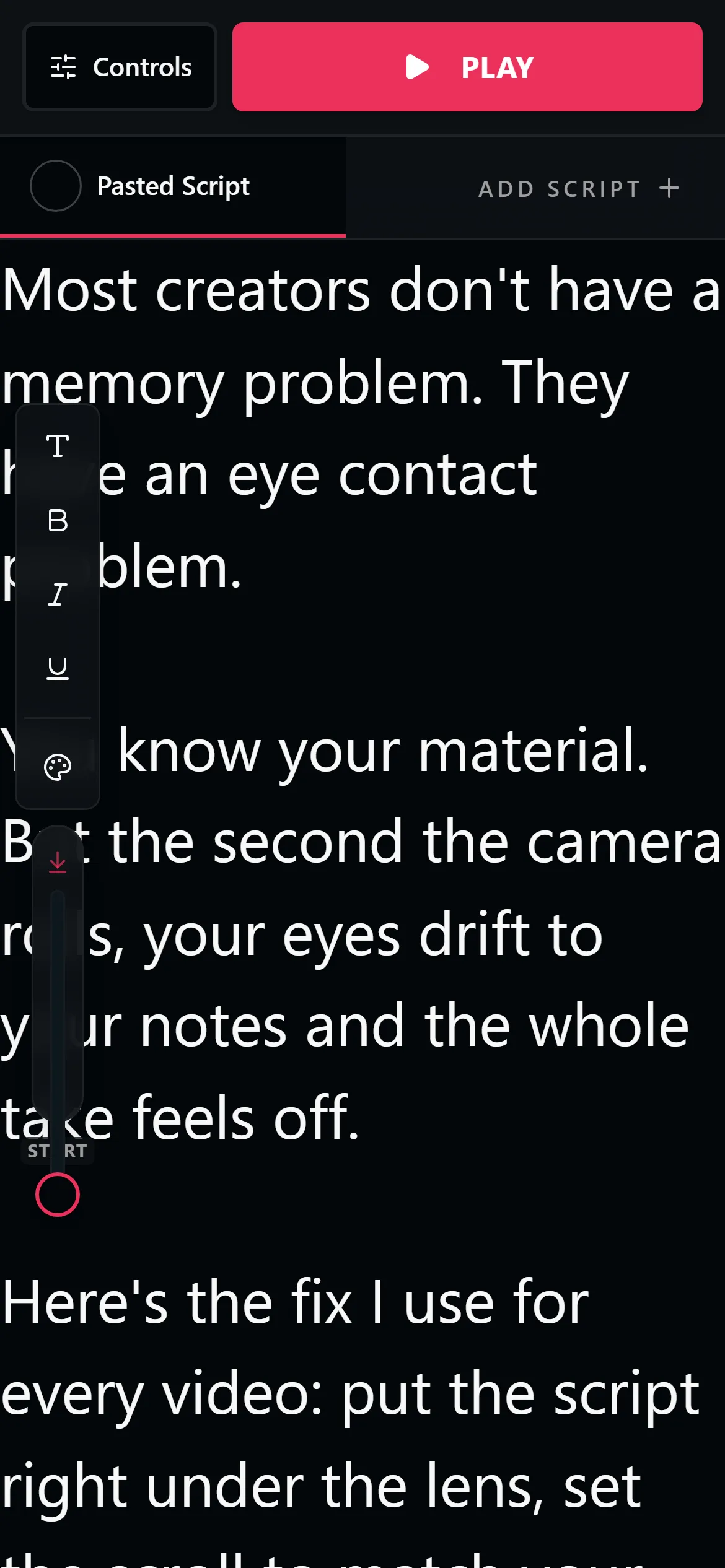
Use your laptop, tablet, or a second phone. Open LilPrompter in the browser and paste your script.
Position it behind your phone camera
Place the teleprompter screen directly behind or right next to your phone's camera lens. The closer, the more natural your eye contact.
Set speed and font size
For short TikToks, a slightly faster scroll speed works well. Use large text so you can read from a few feet away.
Record on TikTok, read from LilPrompter
Open TikTok on your phone, start recording, then hit play on the teleprompter. Deliver your script confidently in one take.
Why Creators Still Use a Separate Teleprompter for TikTok
TikTok's official camera tools give you useful recording controls like speed, timer, video length, and zoom. That helps when you are shooting short clips fast, but it is not the same thing as a dedicated second-screen teleprompter workflow.
Using LilPrompter on a separate device gives you a dedicated reading screen with large text, fine-tuned speed control, and a clean dark interface, while your phone handles just the recording.
If you want the fuller breakdown, read Does TikTok Have a Teleprompter?.
TikTok Teleprompter FAQ
Does TikTok have a built-in teleprompter?
TikTok's camera has recording tools like a timer and speed control, but not a full teleprompter workflow. Most creators run a separate teleprompter on a second screen so it works with any recording setup.
What is the best teleprompter app for TikTok videos?
For most creators a browser teleprompter like LilPrompter is the simplest option. There is nothing to install, it runs on a laptop, tablet, or second phone, and you record with whatever camera app you prefer.
How do TikTokers read scripts while recording?
They place a teleprompter screen directly behind or beside the phone camera and set a scroll speed that matches their pace. With the text close to the lens, eye contact still looks natural on camera.
Is there a free TikTok teleprompter without a watermark?
Yes. LilPrompter is free and never touches your footage, so there is no watermark. You record in TikTok or your camera app while the script scrolls on a separate screen.