The Classic Prompter Screen. No App Required
iPad Teleprompter
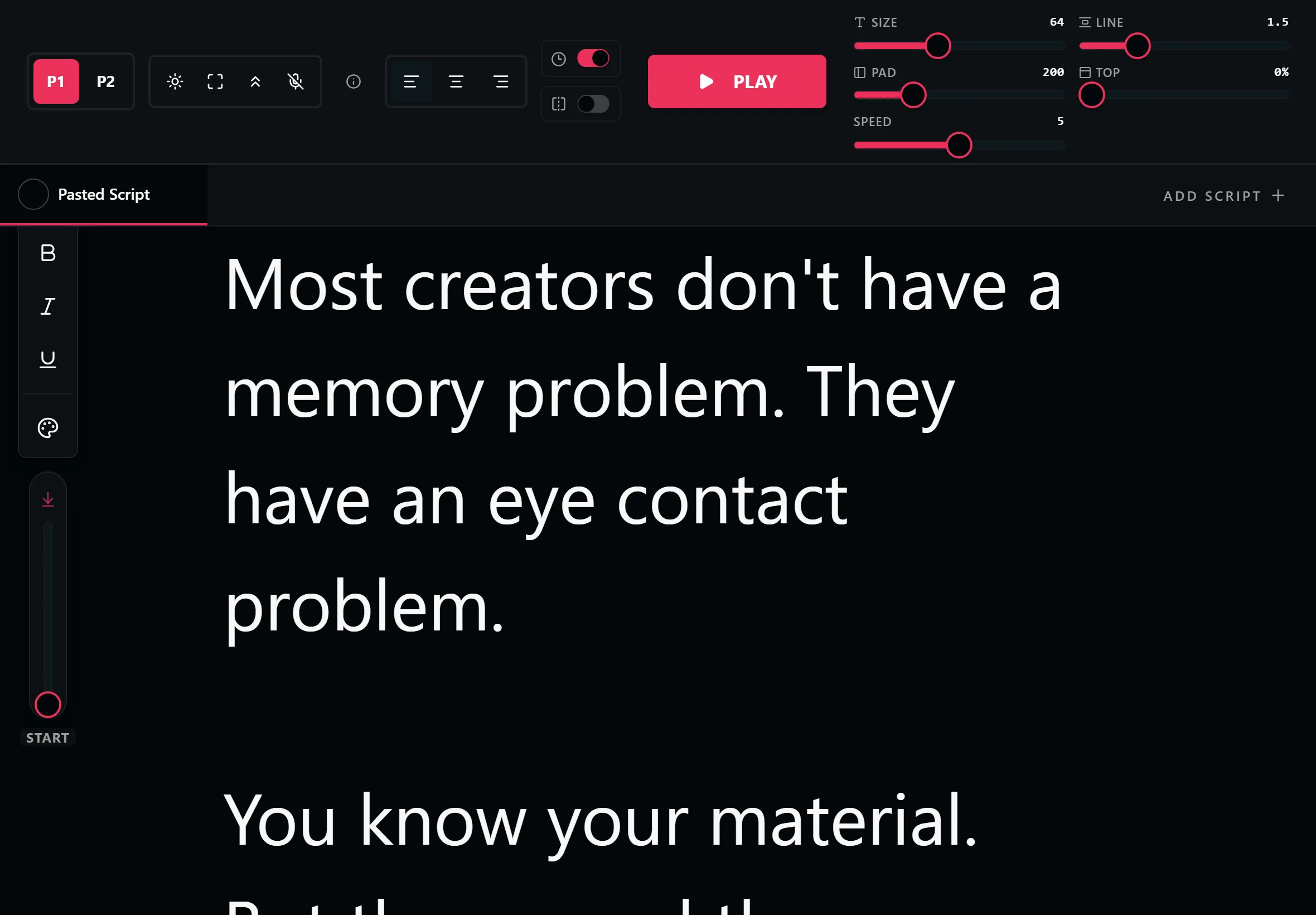
The iPad is the screen professional prompter rigs are built around, and it makes the best DIY prompter too. LilPrompter turns yours into one for free, in Safari, with no App Store download and no signup.
Free. No signup. Your script loads straight into the teleprompter.
Why the iPad Makes the Best Prompter Screen
An iPad hits the sweet spot for prompting: a screen big enough to read from several feet away, light enough to mount beside a lens, and bright enough to stay legible under studio lights. That is exactly why commercial teleprompter rigs are designed around it.
The usual route is a paid App Store prompter app. The browser route is simpler: open LilPrompter in Safari, paste your script, and prop the iPad next to your camera. Same result, nothing installed, nothing to pay.
If you own a beam-splitter rig, slide the iPad in, turn on mirror mode so the reflection reads correctly, and you have a broadcast-style setup driven entirely from a browser tab.
Everything the Prompter Includes
Landscape Large-Text Reading
Fonts scale to 128px, comfortably readable from a tripod several feet away.
Mirror Mode for Rigs
One tap flips the text for beam-splitter glass, turning the iPad into a professional prompter screen.
Runs in Safari
No App Store download, no storage, no account. Open the page and start.
Touch and Keyboard Control
Control speed on screen, or pair a Bluetooth keyboard and drive it from behind the camera.
Multiple Scripts with Tabs
Load every segment of a shoot into its own tab and move through them between takes.
Add to Home Screen
Save it from Safari's share menu and the prompter opens full screen like a native app.
How to Use Your iPad as a Teleprompter
Open LilPrompter in Safari
Paste your script, set landscape orientation, and push the font size up until it reads from your camera distance.
Mount the iPad near the lens
A tablet stand or tripod mount directly below or beside the camera keeps your eye line close to the lens.
Or slide it into a beam-splitter rig
Turn on mirror mode and the reflected text reads correctly through the glass while the camera shoots through it.
Set the pace and record
One practice read to match the scroll to your voice, then record with any camera. The iPad just prompts.
Browser Teleprompter vs Installed Apps
| LilPrompter (browser) | Free iPad prompter app | Paid iPad prompter app | |
|---|---|---|---|
| Price | Free, all features | Free with paywalls | $10-30 or subscription |
| Install | None, runs in Safari | App Store download | App Store download |
| Mirror mode | Yes, included | Often paywalled | Yes |
| Script length limits | None | Common on free tiers | None |
| Account required | No | Usually | Usually |
| Works on other devices too | Yes, any browser | iPad/iPhone only | iPad/iPhone only |
iPad Teleprompter FAQ
Can I use my iPad as a teleprompter?
Yes. Open LilPrompter in Safari, paste your script, and mount the iPad near your camera or inside a beam-splitter rig. It is the same screen size class that commercial prompter setups use.
Is there a free iPad teleprompter app?
You do not need an app at all. LilPrompter runs free in Safari with every feature included, which avoids the download and the feature paywalls common in App Store prompter apps.
Does it work with a teleprompter rig?
Yes. Slide the iPad into the rig tray and enable mirror mode so the text reads correctly in the beam-splitter glass. Most consumer rigs are sized for iPads.
What text size can I get?
Up to 128px, which is comfortably readable from typical tripod distance. Line height and margins are adjustable too, so you can tune how many words sit on screen at once.
Can I control it without touching the iPad?
Yes. Pair a Bluetooth keyboard to start, stop, and change speed from behind the camera, or use voice commands to start and stop hands-free.
Other Devices
Turn Your iPad Into a Prompter
Free. No app. Mirror mode included. Open Safari and start.
Open LilPrompter