No Package. No Wine. No AppImage
Teleprompter for Linux
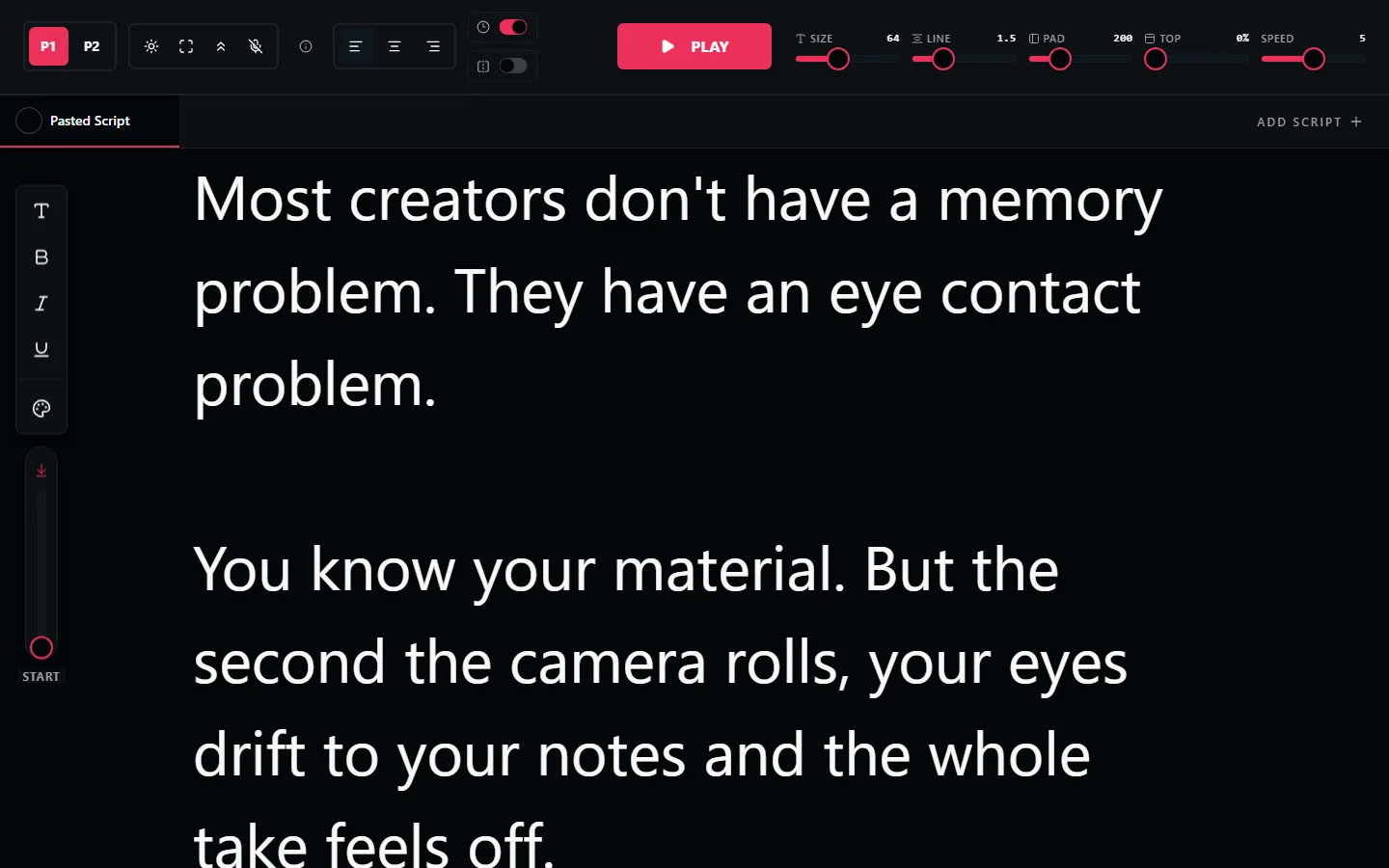
Teleprompter software for Linux is thin on the ground, and most of what exists is a Windows app running under Wine. This one is a web page, so it runs natively in Firefox or Chromium on any distro. Paste your script and start.
Free. No signup. Your script loads straight into the teleprompter.
Why Linux Users End Up With a Browser Teleprompter
Native teleprompter apps for Linux barely exist. The category is dominated by Windows and macOS software, and the Linux options are usually an abandoned GitHub project, a Wine wrapper, or an Electron build that has not been updated in three years. Nobody wants to compile a prompter.
A browser teleprompter sidesteps the whole problem. There is no package, no PPA, no Flatpak, no AppImage to chmod, and no dependency that breaks on the next distro upgrade. It is a URL. If your browser renders text, the prompter works.
It also means you get the same tool everywhere. The prompter you use on your Ubuntu workstation is the same one on a Chromebook, an Android tablet propped by the camera, or a borrowed Mac at a shoot, with nothing to reinstall.
Everything the Prompter Includes
Runs in Firefox or Chromium
No proprietary browser requirement and no extension. Works in Firefox, Chromium, Chrome, Brave, and Vivaldi.
Adjustable Scroll Speed
Set the pace with a slider or nudge it from the keyboard while you are mid-read.
Mirror Mode
Flips text horizontally so a Linux machine can drive real beam-splitter teleprompter glass.
Font Size up to 128px
Scale for a laptop at arm's length or a monitor across the room. No display scaling quirks to fight.
Works with OBS
OBS Studio is the recording tool of choice on Linux. The prompter is a separate window, so the two never interfere.
Scripts Saved Locally
Your scripts live in the browser, not on a server. No account exists, so there is nothing to sync or delete.
How to Run a Teleprompter on Linux
Open LilPrompter in Firefox or Chromium
No install step. Paste your script and set the font size for your reading distance.
Put the window near your webcam
Most tiling and floating window managers will let you snap it to a strip along the top of the display, right under the lens.
Use a second monitor if you have one
Prompter on the screen with the camera, OBS and your notes on the other. Your eye-line stays where the lens is.
Record with OBS or any capture tool
OBS Studio, Kazam, GNOME Screencast, or an external camera. The prompter scrolls independently of all of them.
Browser Teleprompter vs Installed Apps
| LilPrompter (browser) | Wine / Windows app | Flatpak or AppImage | |
|---|---|---|---|
| Price | Free, all features | Varies, often paid | Usually free |
| Install | None, runs in the browser | Wine plus the installer | Package download and chmod |
| Breaks on distro upgrade | No | Sometimes | Sometimes |
| Actively maintained | Yes | Depends on the app | Often abandoned |
| Mirror mode for rigs | Yes | Varies | Varies |
| Also works on ChromeOS and tablets | Yes | No | No |
Teleprompter for Linux FAQ
Is there teleprompter software for Linux?
Native options are limited and most are unmaintained. The practical answer for nearly everyone is a browser-based teleprompter like LilPrompter, which runs in Firefox or Chromium on any distro with no package to install.
Which distros does it work on?
All of them. Ubuntu, Debian, Fedora, Arch, Mint, Pop!_OS, openSUSE, and anything else that runs a modern browser. There is no distro-specific build because there is no build.
Do I need Wine?
No. Wine is only needed to run Windows teleprompter software on Linux, which is the workaround this avoids. The prompter is a web page rendered natively by your browser.
Does it work on a Chromebook?
Yes. ChromeOS runs Chrome, so the prompter works out of the box with no Linux container and no Android app needed.
Can I use it with OBS Studio?
Yes. Keep the prompter in its own browser window, ideally on the monitor your camera is on, and let OBS record your scene. Neither one touches the other.
Can Linux drive a hardware teleprompter rig?
Yes. Connect the display that mounts in the rig, drag the browser window onto it, and switch on mirror mode so the text reads correctly through the beam-splitter glass.
Other Devices
Start Prompting on Linux
Free. No package, no Wine, no compile step. Open a tab and read.
Open LilPrompter