Stay on Track While Live
Teleprompter for Streaming
Keep your talking points, sponsor reads, segment transitions, and key messages visible while you stream. LilPrompter runs in a browser tab on a second monitor. Free, no signup, no download.
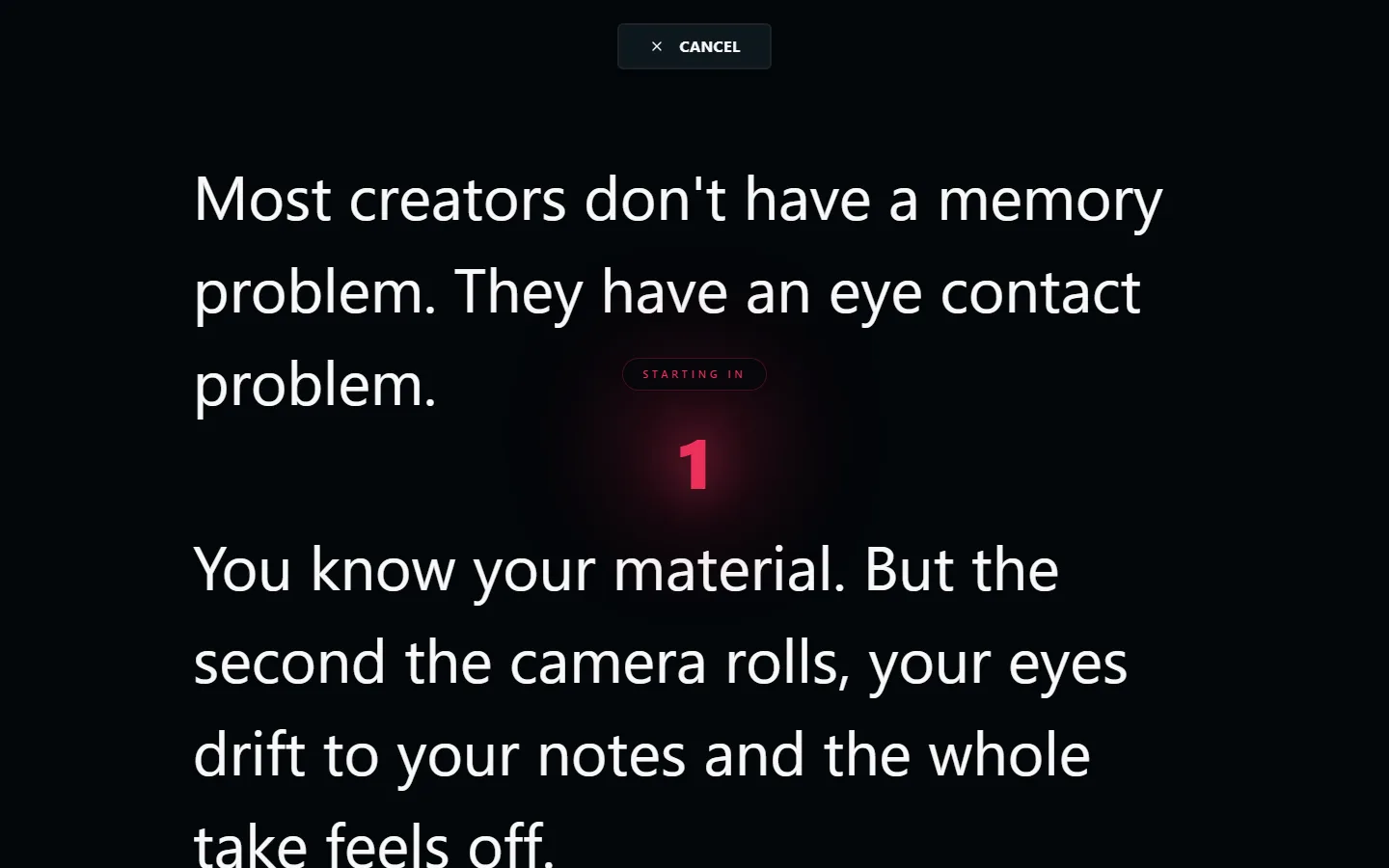
Why Streamers Use Teleprompters
Live streaming doesn't give you second takes. When you go live, you need to hit your key points, deliver sponsor reads accurately, and transition between segments smoothly, all while engaging with chat.
A teleprompter on a second screen gives you a reference you can glance at without breaking your flow. It's not about reading word-for-word. It's about having your notes visible so you never lose your place.
What to Put on the Teleprompter
Sponsor Reads
Get the wording right every time. Paste the exact sponsor copy and read it naturally without fumbling through disclaimers or feature lists.
Segment Transitions
"Coming up next..." and topic introductions. Keep your stream structured and professional without memorising a run sheet.
Key Talking Points
Bullet points for interviews, discussions, or educational content. Glance at the next point when you need direction.
Calls to Action
Subscribe reminders, donation goals, social handles. The things you need to say repeatedly but always forget in the moment.
Setup for Streamers
Open LilPrompter in a browser tab on your second monitor. Your streaming software (OBS, Streamlabs, etc.) runs on your primary display. Set a very slow scroll speed or advance manually between sections. Live streams are unpredictable, so you want control over pacing.
Use the dark interface to keep the second screen from distracting you or creating visible screen reflections on camera. Large font means you can glance quickly without squinting.
Stream with Confidence
Free. No download. Works alongside OBS, Streamlabs, or any streaming software.
Open LilPrompter