Free Script Reader App. Browser-Based. No Signup
Online Script Reader
A free online script reader app that scrolls your text on screen so you can read naturally while recording. Paste your script, set your speed, and go. No downloads, no accounts, no fees.
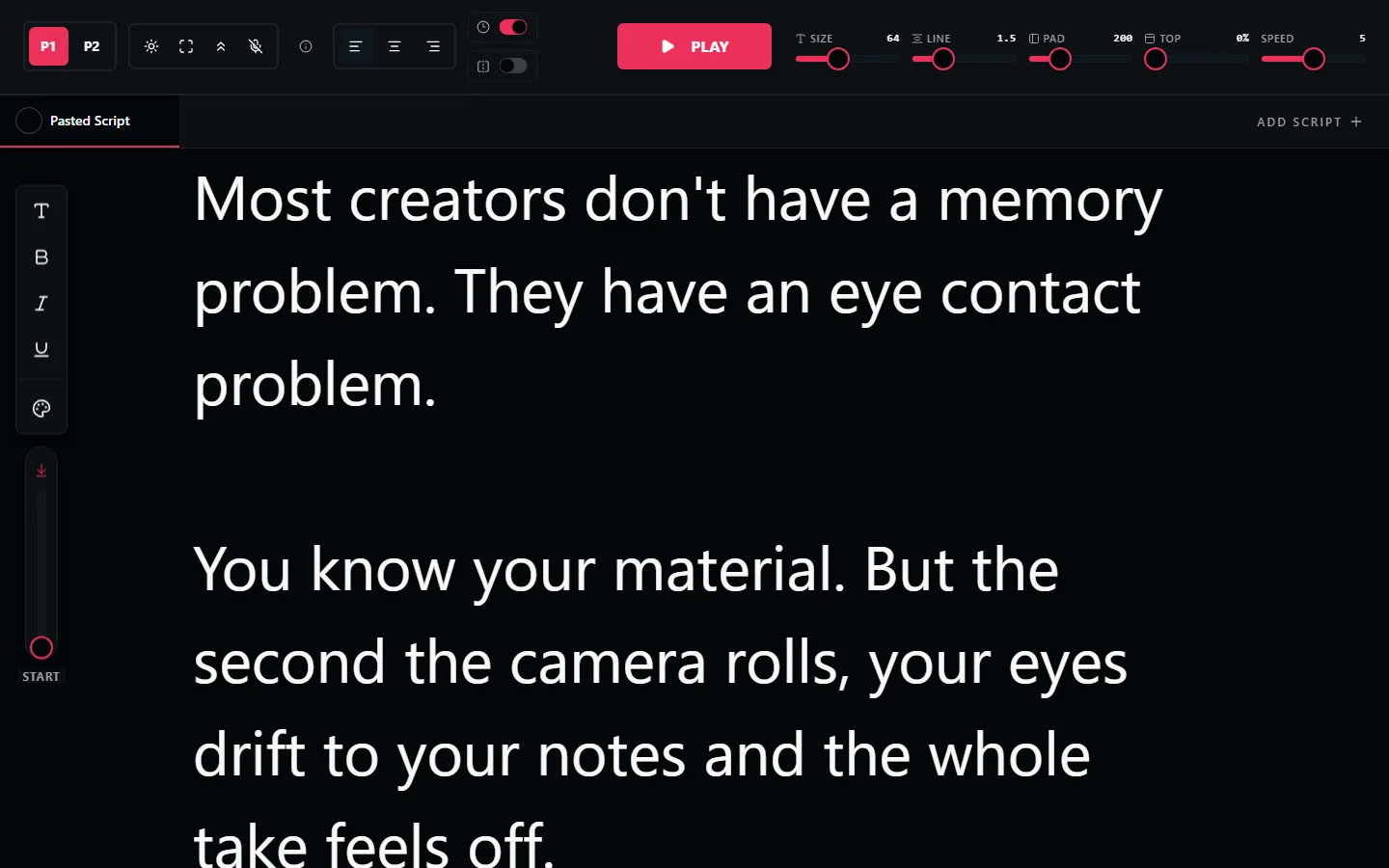
What Is an Online Script Reader App?
An online script reader (also called a script scroller, teleprompter, or autocue) is a web app that displays scrolling text on your screen. You read the text while looking at or near the camera, delivering your script naturally without memorizing it.
Unlike traditional teleprompters that use beam-splitter mirrors and dedicated hardware, an online script reader runs in your browser. Open a tab, paste your text, and start reading. It works on any device: laptop, tablet, or phone.
LilPrompter is a free online script reader app built for content creators, YouTubers, founders, and anyone who reads scripts on camera.
What Can You Read?
Video Scripts
YouTube videos, product demos, course recordings, investor updates, and any scripted video where you want to sound polished and stay on message.
Presentation Notes
Keep your talking points visible during webinars, Zoom calls, and live streams. Read naturally without looking down at paper notes.
Voiceover Scripts
Record voiceovers and narration at a consistent pace. The scrolling text keeps your reading speed steady throughout.
Speeches & Announcements
Deliver prepared remarks with confidence. Read your speech on screen instead of from printed pages or index cards.
Script Reader Features
Everything you need to read scripts on screen. Nothing else.
Adjustable Scroll Speed
Fine-tune the pace to match your reading speed. Start slow for practice, increase for the final take.
Large Text Display
Scale from 24px to 128px. Read comfortably from any distance: your desk, a tripod, or across the room.
Dark Interface
Black background reduces screen glare on camera and in glasses. Clean, distraction-free reading.
Multiple Scripts
Switch between scripts with tabbed navigation. No copy-pasting between takes or sections.
Mirror Mode
Flip text horizontally for use with beam-splitter teleprompter rigs. One-click toggle.
No Signup Required
Open the page and start reading. No account, no email, no credit card. Completely free.
How to Read a Script on Screen
Paste your script
Open LilPrompter in your browser and paste the text. Short lines with breaks at breath points read best. Our teleprompter script examples show the format.
Set the font size for your distance
Sitting at a desk, 36-48px is comfortable. Standing back from a tripod, go 72px or larger.
Match the scroll to your voice
Do one practice read. If you are chasing the text, slow it down. Slightly slower than natural always sounds better on the recording.
Record or present
The script reader runs in its own window, so it works alongside any camera app, meeting tool, or audio recorder.
Need a script first? Start from our script examples and templates.
Script Reader FAQ
Is there a free script reader?
Yes. LilPrompter is a free online script reader. Paste your script, set the scroll speed and font size, and read from any device. There is no signup, no download, and no watermark.
What is a script scroller?
A script scroller is another name for a script reader or teleprompter: a tool that moves your text up the screen at a steady pace so you can read while recording, presenting, or doing voiceover work.
Can I use a script reader for voiceovers?
Yes, it is one of the best uses. The steady scroll keeps your narration pace consistent across long reads, which makes editing easier and retakes rarer.
Does an online script reader work on a phone?
Yes. LilPrompter runs in the browser on phones, tablets, and laptops. A tablet or laptop gives you larger text, but a second phone propped next to your camera works fine for short scripts.
Read Your Script for Free
No signup. No download. No ads. Open LilPrompter and start reading.
Open LilPrompter